Dots Is a Continuous-Working AI Assistant in ChatGPT That Tries to Move From “Waiting for Instructions” to “Taking Action”
OpenAI launched Dots on September 29, 2026, an always-on AI assistant powered by the GPT-6 Astra model. It connects to more than 4,000 apps and can keep working around the clock even when the user isn’t staring at the screen. Its selling points are app integrations, cloud computer access, and requesting approval before handling important matters such as drafting emails or managing files, so users don’t need to issue instructions at every step.
Its direct rival is Meta’s Muse, which has already been downloaded more than 3 million times. Sam Altman called Muse “a nice product” and didn’t sound particularly worried about competing with Mark Zuckerberg, but OpenAI shipping Dots so soon after makes clear that the market for always-on AI assistants is heating up fast.
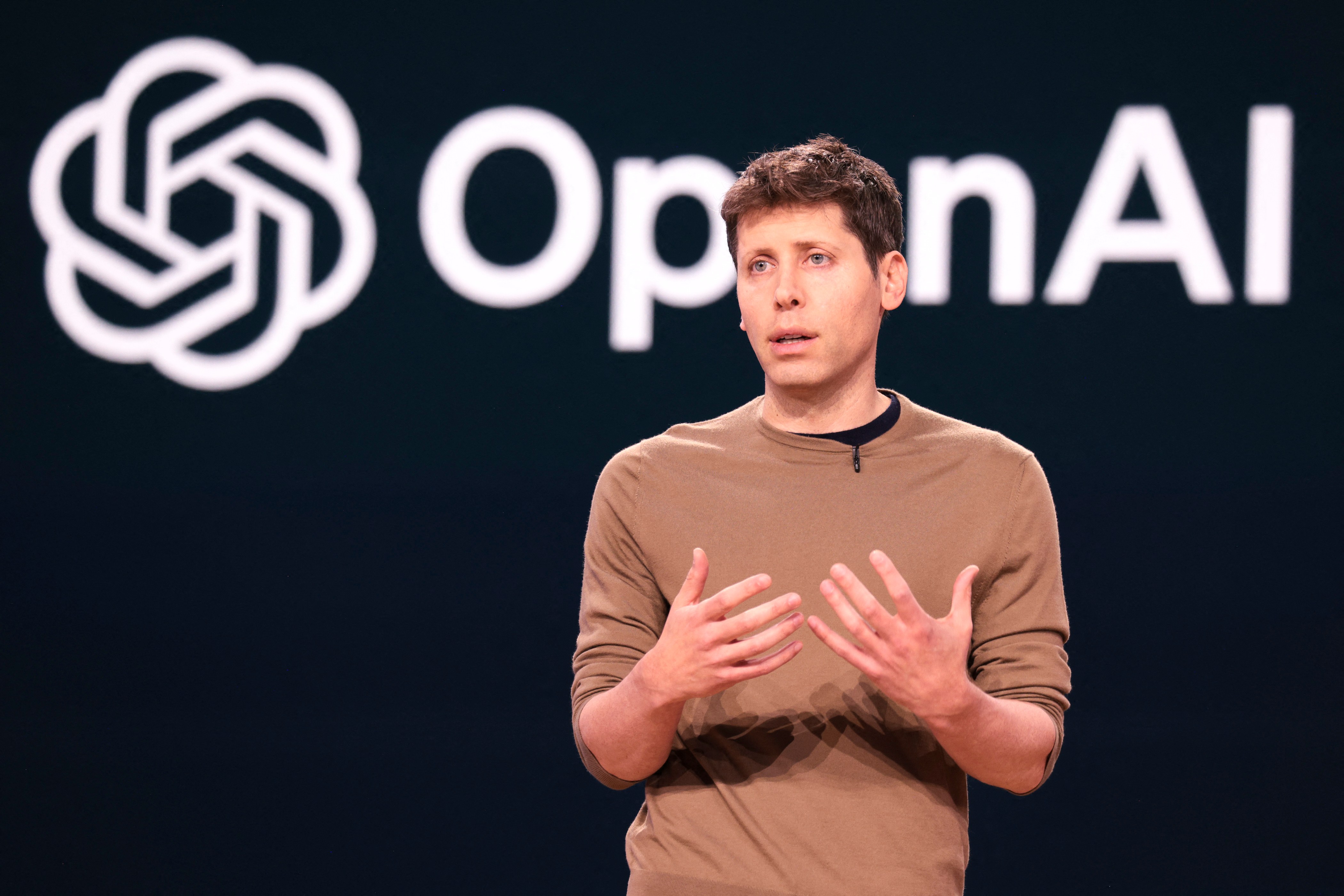
What Dots Looks Like and Where It Lives in ChatGPT
Dots should appear as a workspace inside ChatGPT rather than a plain chat window. Users assign tasks, then track progress, results, and notifications from one place. Besides ChatGPT, you can talk to Dots through Slack and Microsoft Teams, and OpenAI says direct texting with Dots is coming soon.
Users can name their own Dot, similar to how Muse lets people name its mascot, “Jolly.” At launch, each user gets one “primary dot”; team-based Dots are planned for later.
The Day an Assistant Doesn’t Stop Working When We Close the Screen
Checking emails, competitor news, or work files over and over throughout the day gradually pulls focus away from the work that actually matters.
Dots tries to fix this by taking on tasks that need continuous monitoring and carrying on with them even when the screen isn’t open — while still staying inside boundaries that users can review and control, rather than letting the system decide everything on its own.
Where Dots Fits in the OpenAI Product Family
Dots isn’t a new model separate from ChatGPT. It’s a continuous-working assistant layer that combines the GPT-6 Astra model with tools, connected apps, and a cloud computer environment. OpenAI launched Dots alongside GPT-6.1 Sol at the same event, with Sol’s pitch centered on agentic coding, computer use, and professional work.
If regular ChatGPT is a conversation that ends each time, Agent mode handles multi-step tasks on our behalf, while Dots focuses on tasks that need ongoing monitoring even when the screen isn’t left open. Codex, meanwhile, stays focused on writing and maintaining code.
Regular ChatGPT vs. Dots: Where They Actually Differ
| Factor | Regular ChatGPT | Dots |
|---|---|---|
| Task initiation | Waits for the user's instruction | Receives a goal and begins tracking |
| Continuous operation | Ends once an answer is provided | Keeps working in intervals, 24/7 |
| Tool usage | Used when the user calls for it | Picks tools from 4,000+ connected apps |
| Access channels | ChatGPT only | ChatGPT, Slack, Microsoft Teams |
| Background work | Not a focus | Keeps tracking tasks with the screen closed |
| Approval requests | Asks during the conversation | Requests approval based on rules you set |
| Risk boundaries | Limited to each instruction | Permissions and boundaries must be defined |
Put simply, ChatGPT suits asking a question and getting an answer, while Dots suits tasks like continuously tracking information or coordinating across multiple apps.
The trade-off is that Dots needs clearly defined boundaries, especially for tasks that modify data, send messages, or make transactions on our behalf.
Putting Dots to Work on Real Daily Tasks
Start the day by having Dots monitor competitor news and developments, then summarize only what’s relevant to the team. Long articles turn into short reports you can read right before a meeting.
During the day, Dots can read email, flag urgent items, and send decisions that need a human to someone for review. For research, it can search the web continuously, gather information from multiple sources, and organize it into a draft for editing.
If part of a task is better suited to another tool or Codex, it can hand that off — for example, to analyze data or draft code — then fold the results back into the same workflow, cutting down on switching screens and manually chasing every step.
Dots vs. Muse: The Facts That Are Actually Confirmed
| Factor | Dots | Meta Muse |
|---|---|---|
| Model | GPT-6 Astra | Not publicly disclosed |
| App integrations | 4,000+ apps | Mostly tied to Meta's own services |
| Mascot | Custom name | A plush mascot named Jolly |
| Access channels | ChatGPT, Slack, Teams (texting coming soon) | Meta AI app |
| Disclosed usage | No numbers disclosed yet | Downloaded 3M+ times |
| Known privacy incidents | None reported yet | Shared a user's home address on Facebook Marketplace without permission |
Meta’s Muse was blocked by Amazon from shopping on its platform, and it reportedly disclosed a Toronto resident’s home address without permission on Facebook Marketplace. Those incidents are a clear reminder of why Dots’ approval system is worth watching closely — the more an AI assistant can touch your data and apps, the more tightly that privacy risk needs to be managed.
Dots’ Strengths and What Still Needs Watching
Dots stands out for working continuously in a separate cloud environment and requesting approval before important actions based on rules you configure. It suits work that needs several tools chained together, but slowness and occasional tracking errors mean you’ll still need to check its work.
Pros
- +Works continuously in a separate cloud environment, 24/7
- +Connects to more than 4,000 apps
- +Requests approval before important actions based on your own rules
Cons
- −Only available on Pro, Business Premium, and Enterprise plans in select markets at launch
- −May work slowly when the process is complex
- −Can make errors when tracking information
- −Team Dots aren't available yet — that feature is coming later
The Costs That Don’t Show Up on the Subscription Page
Dots is rolling out to Pro, Business Premium, and Enterprise subscribers in select markets first. Eligible users get one primary Dot at no extra cost, but the tasks Dots performs draw down your plan’s usage quota — regular conversations don’t count against it.
The real cost doesn’t end with the plan fee. If a task is complex, the system is slow, or it acts on wrong information, you still have to spend time reviewing and fixing it. There’s also the risk tied to personal data and the permissions Dots uses to reach into different apps. The more work you split across multiple Dots, the more the cost and review time can add up.
Who Dots Is For, and Who Should Wait
Dots suits researchers, marketers, entrepreneurs, and teams with repetitive monitoring work, since it can cut down on routine tasks. If a team has time to review results and fix errors, it’s more likely to pay off.
General users who just want fast chat replies probably don’t need it yet. People who aren’t on a Pro-tier plan or aren’t ready to review what the AI is doing should also wait.
Made for
- Researchers with repetitive monitoring tasks
- Marketers and entrepreneurs with multi-step routine work
- Teams with time to review AI results who are already on a Pro-tier plan
Think twice
- Users who want to cut routine work but can't yet gauge the cost from quota usage
Skip this one
- General users who want fast chats — a regular chatbot is a better fit
- People without a Pro, Business Premium, or Enterprise plan — Dots isn't accessible yet
- People who aren't ready to review the AI's actions — wait for now
The Real Question Isn’t What Dots Can Do, But How Much We’re Willing to Let It Do
The future of AI assistants won’t be measured by how many tasks they can perform, but by trust, control, and whether the work they actually complete is worth it. Muse’s history of exposing a user’s personal data without permission is a reminder that Dots only becomes worth using once people know what the AI is doing and can still approve or stop it.
Start with low-risk tasks, like organizing information or preparing a draft. Then judge whether the speed and results are worth the quota spent, the slowness, and the privacy trade-offs. If it passes that test, let Dots take on more important work from there.