Quick Summary: An Affordable Gaming Companion Display
Asus enters the secondary display market with the ROG Strix XG129C — a 12.3-inch, 24:9 aspect ratio touchscreen priced at $199, undercutting the Corsair Xeneon Edge ($249) in the battle for desk real estate.
The pros: cheaper than the direct competition, single USB-C cable for video/touch/power, and a bundled 1-year AIDA64 Extreme subscription. The cons: it’s an IPS panel at just 300 nits, and the software ecosystem still trails Corsair/Elgato significantly.
If you’re already in the ROG ecosystem and want a dedicated real-time system monitor, this is solid value. But if stream control is your priority, the Elgato Stream Deck’s physical buttons remain the safer bet.
What It Actually Looks Like
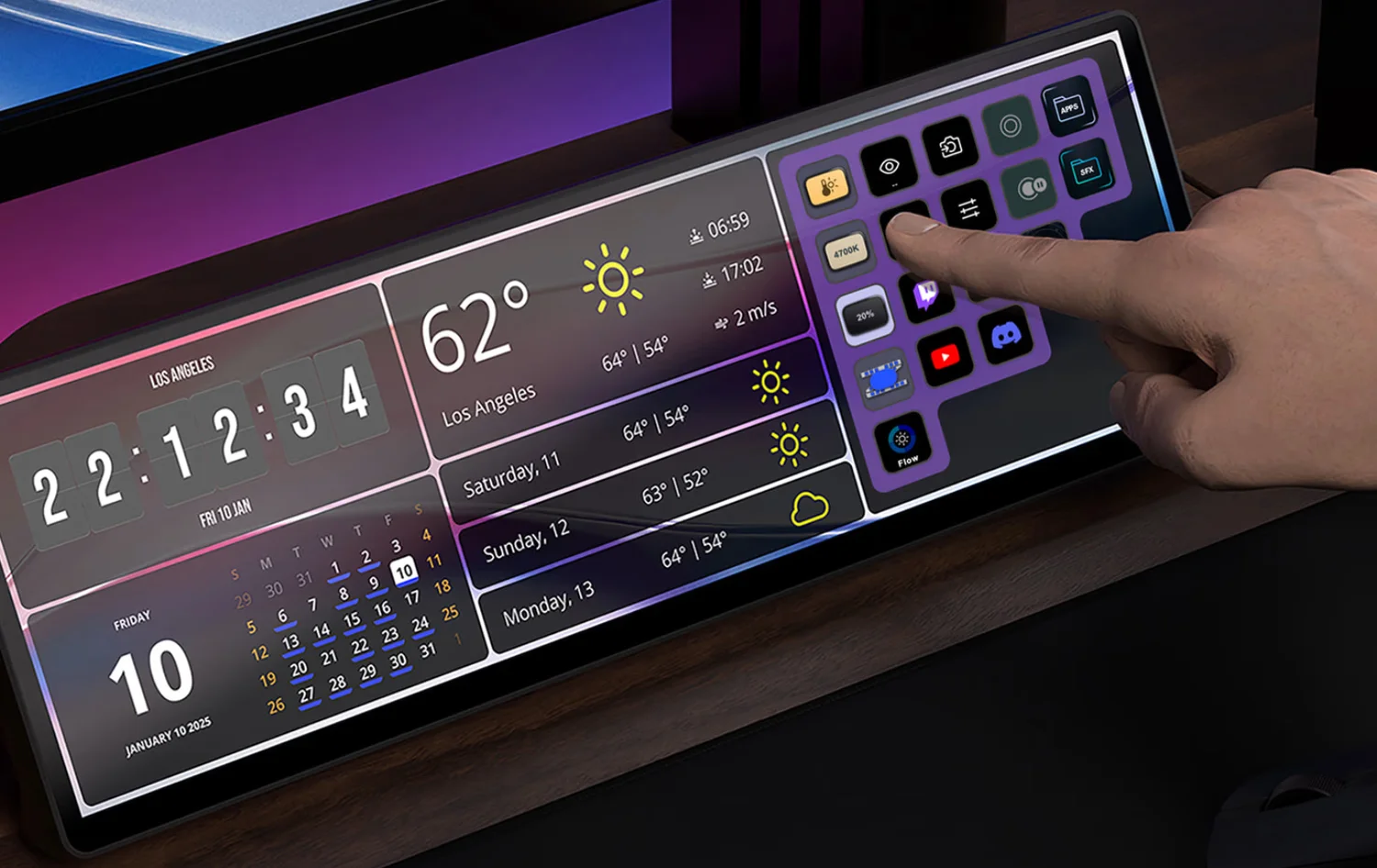
The ROG Strix XG129C is a 12.3-inch IPS display running at 1920 x 720 in a 24:9 ultrawide format, designed to slide right underneath your main monitor. The body measures 304 x 130 x 24 mm with a built-in adjustable kickstand and a 1/4-inch tripod socket for arm mounting.
The screen supports 10-point multi-touch at 300 nits brightness, 75Hz refresh rate, covering 90% DCI-P3 and 125% sRGB. Not OLED-bright, but more than adequate for dashboard and monitoring duties.
Physical controls are limited to a 5-way navigation key and power button — everything else runs through the touchscreen. Connectivity includes two USB-C ports (primary handles video + power on a single cable; secondary offers 20W Power Delivery with DisplayPort Alt Mode) and HDMI 1.2.
The Problem Secondary Displays Solve
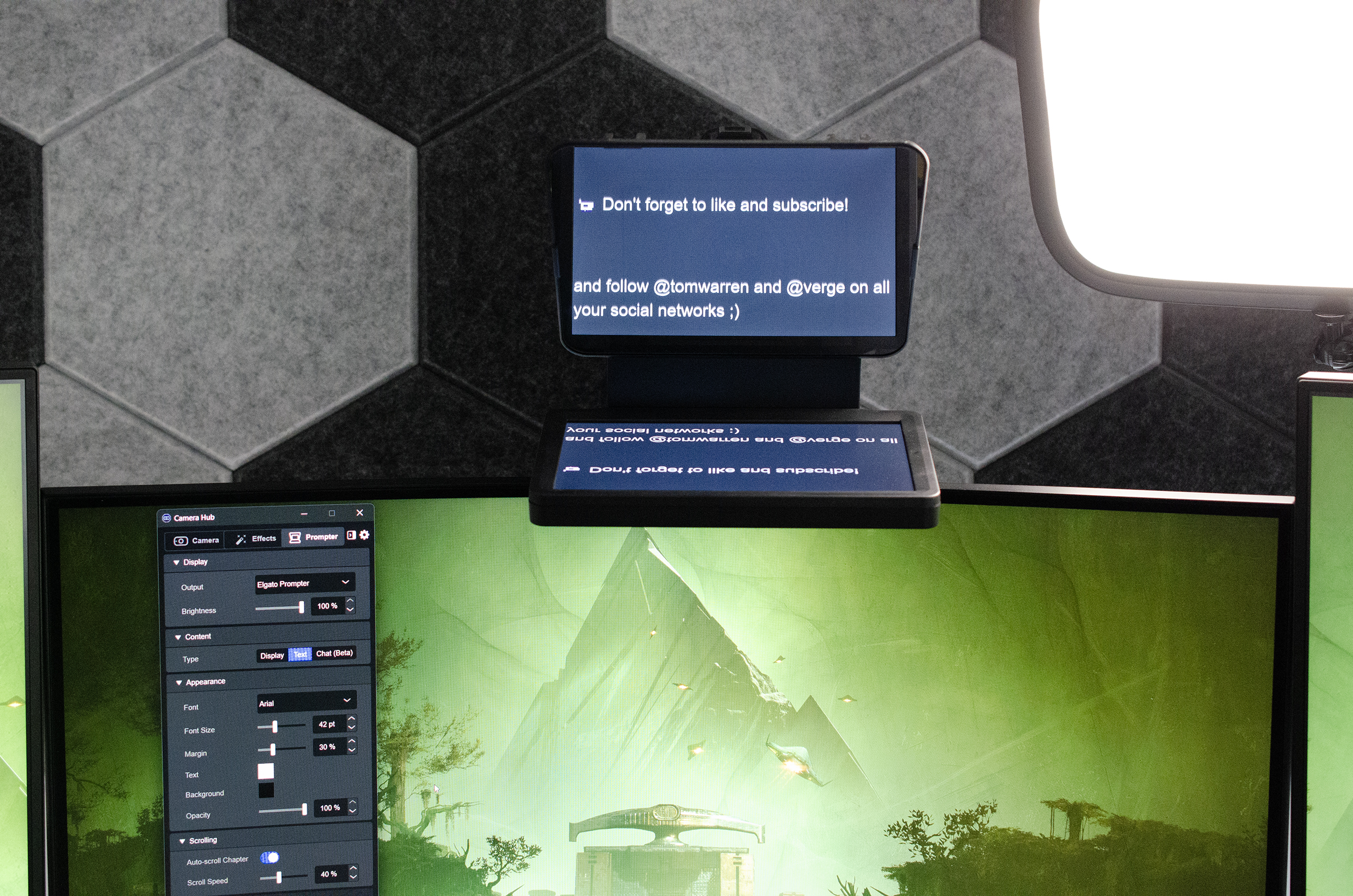
Heavy PC users and game streamers share one frustration: constant alt-tabbing. Checking CPU/GPU temps, monitoring OBS chat, pulling up reference material — a single monitor means endless window shuffling and broken focus.
A secondary display like the XG129C addresses this directly. Instead of alt-tabbing, you keep system monitoring running full-time, or park your OBS controls, chat window, and media player on the smaller screen. Smoother workflows without buying a full second monitor.
For content creators who multitask heavily, a touchscreen secondary display genuinely reduces cognitive load — tap to switch scenes, adjust volume, or fire macros directly from the screen.
Where Asus Fits in This Market
Asus enters this space leveraging existing strengths: hardware manufacturing, supply chain scale, and the ROG ecosystem that gamers already know. Unlike Corsair/Elgato which target content creators directly, Asus casts a wider net — gamers wanting real-time stats and professionals needing an extra screen.
At $199, it undercuts the Corsair Xeneon Edge ($249) by about $50, though it trades a smaller screen (12.3 vs 14.5 inches). The strategy is clear: use tight integration with ASUS Control Panel and bundled AIDA64 to deliver a system monitor that works out of the box.
Before vs After: Secondary Display
| Factor | Traditional (No Secondary Screen) | Asus ROG Strix XG129C |
|---|---|---|
| Control Method | Keyboard shortcuts / alt-tab | Direct touch control |
| System Monitoring | App overlay on main screen | Always-on secondary display |
| Cost | No additional expense | ~$199 (~7,000 THB) |
| Desk Space | Nothing extra | Fits under main monitor |
Moving from alt-tab to a dedicated touchscreen display is a natural upgrade, especially with AIDA64 SensorPanel and its exclusive ROG themes showing CPU temp, clock speed, and RAM usage in real time.
The strongest point is ROG ecosystem integration — system monitoring feels more seamless than third-party alternatives. But there’s no plugin marketplace like Elgato’s, which limits extensibility.
Real-World Usage
For gamers, real-time system stats monitoring is the killer feature. CPU/GPU temperatures, clock speeds, fan speeds — all visible without leaving your game. The bundled AIDA64 themes look sharp and fit the ROG aesthetic.
For streamers, scene switching gets easier — tap the screen for instant transitions. But the lack of tactile feedback compared to Elgato Stream Deck’s physical buttons means you’re never quite sure if your tap registered.
For general productivity, it works well as a quick launcher for frequent apps. RGB control and fan curves adjust conveniently through ASUS Control Panel without opening the main software.
Genuinely useful, but not yet at the must-have level that Elgato has achieved for the streaming crowd.
Head-to-Head with the Competition
| Factor | Asus ROG Strix XG129C | Corsair Xeneon Edge | Elgato Stream Deck MK.2 |
|---|---|---|---|
| Price | $199 | $249 | $149 |
| Display | 12.3" IPS 1920x720 | 14.5" AHVA 2560x720 | 15 individual LCD keys |
| Touch | 10-point multi-touch | 5-point touch | Physical buttons (no touch) |
| Software | ASUS Control Panel + AIDA64 | iCUE + Elgato Stream Deck | Stream Deck App |
| Form Factor | Monitor under main display | Magnetic mount, flexible placement | Desktop button pad |
Elgato Stream Deck remains the standard for stream control — 15 physical buttons, huge plugin library, full OBS/Twitch/YouTube support. The Corsair Xeneon Edge wins on screen size (14.5 inches) and supports Elgato’s Virtual Stream Deck software.
The XG129C beats the Xeneon Edge on price and touch points (10 vs 5), but trails on software ecosystem. Worth it if you’re already in the ROG world; otherwise, start with Stream Deck.
Honest Pros and Cons
Pros
- +$199 price undercuts Corsair Xeneon Edge ($249) by $50
- +Single USB-C cable handles video, touch, and power
- +Bundled 1-year AIDA64 Extreme subscription ($65 value) with ROG themes
- +10-point multi-touch with good responsiveness
Cons
- −IPS panel at only 300 nits — not as vibrant as OLED
- −Software ecosystem lags behind Elgato and Corsair
- −No plugin marketplace like Stream Deck
- −No tactile feedback like physical buttons
Asus makes solid hardware — the build quality is excellent, the kickstand adjusts well, and the tripod mount is a nice touch. But software support needs work. Elgato has a massive community, tons of tutorials, and hundreds of free plugins. Corsair’s Xeneon Edge benefits from iCUE and Virtual Stream Deck integration.
New content creators should grab an Elgato Stream Deck first. But if you’re already running ROG hardware and want a system monitoring dashboard, the XG129C integrates smoothly.
Hidden Costs
The XG129C itself is $199 with AIDA64 Extreme included for one year (normally $65/year). After that, you’ll need to pay to renew. If you prefer an arm mount over the kickstand, budget an extra $30–80 for a monitor arm or tripod.
Compare that to the Corsair Xeneon Edge at $249 but with a larger 14.5-inch screen and Virtual Stream Deck built in, or the Elgato Stream Deck MK.2 at $149 — cheaper than both, with a massive free plugin library.
Budget an extra $30–80 for mounting accessories and $65/year for AIDA64 renewal to keep the full setup running long-term.
Who Should Buy, Who Shouldn’t
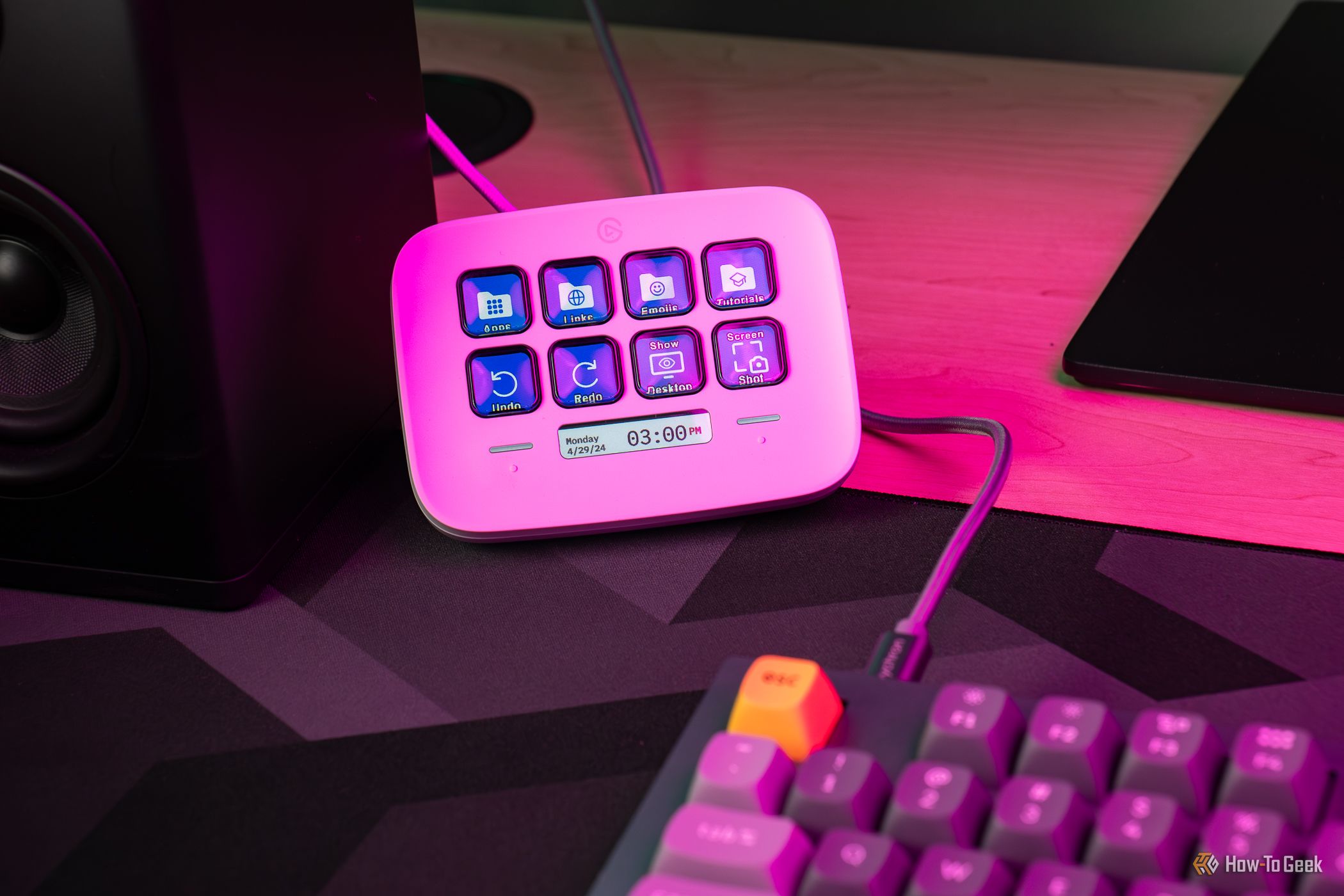
Should buy: Gamers who want real-time system stats without alt-tabbing, streamers who need a secondary screen for OBS controls and chat, anyone already invested in the ROG ecosystem wanting a dedicated dashboard.
Shouldn’t buy: Casual users doing office work, watching movies, or light gaming — you won’t get enough value. If streaming is your sole focus, the Elgato Stream Deck MK.2 ($149) is cheaper and better supported.
On a tight budget? Try using an old Android tablet as a second screen through Spacedesk — it’s free and works immediately.
Final Verdict
The ROG Strix XG129C at $199 (~7,000 THB) is a well-built secondary display for the price. Solid hardware, single-cable USB-C setup, and a bundled AIDA64 subscription make it ready to go out of the box. Against the Corsair Xeneon Edge at $50 more, it’s a compelling alternative.
But the secondary display market is still young, and the software ecosystem trails Elgato significantly. If you’re not already in the ROG ecosystem, the integration advantages diminish.
Recommendation: If you’re an ROG user who wants a dedicated system monitoring dashboard, this delivers. If stream control is the priority, start with Elgato Stream Deck and add a secondary display later.